Workflow automation for your everyday work.
Keep the work moving.
Repeated tasks often live between email, spreadsheets, and business software. We help turn those steps into a dependable process: collect the details, send work to the right person, update the right tools, and make problems visible. People stay involved where a decision needs judgment.
Tell us what you need Try a working exampleNew team access
Set up the workspace for our new project team.
- From
- Operations
- Team members
- 4 people
- Access level
- Standard
- 01Request received
- 02Ready for review
- 03Approved
Request received
A complete request, ready for the next step.
Working examples
See a request move itself along.
Try a routine request, one that needs approval, and one with missing details. See where automation helps and where a person takes over.
Fictional projects. Try them without an account.
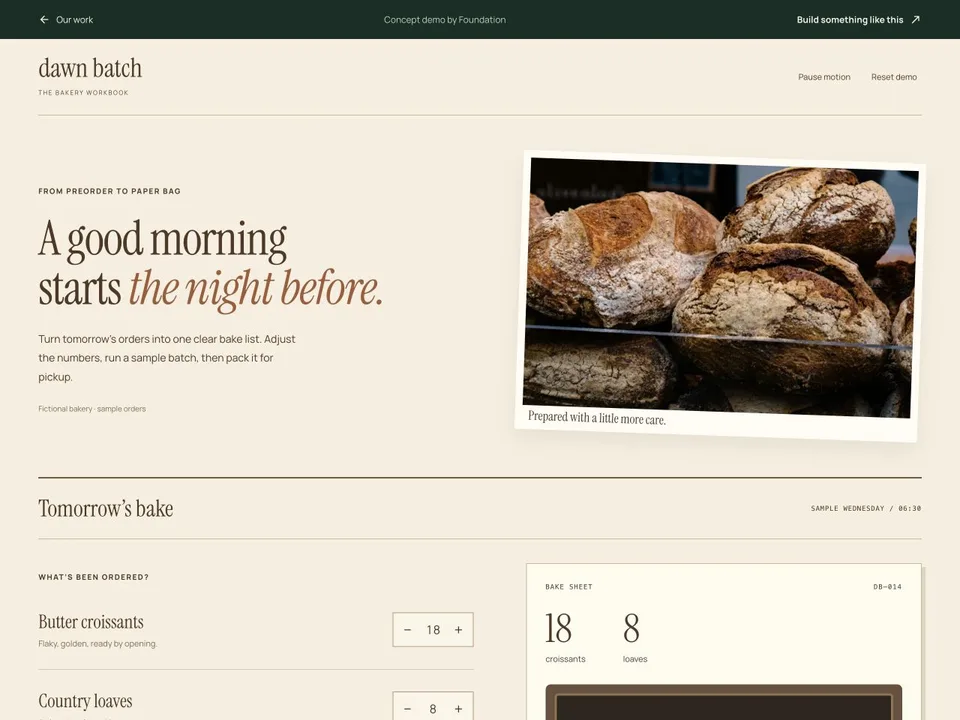
Bakeries & food production
Dawn Batch
Turn bakery preorders into a bake plan and packing tickets. See how a change affects the next batch.
- Batch quantities
- Production stages
- Packing tickets
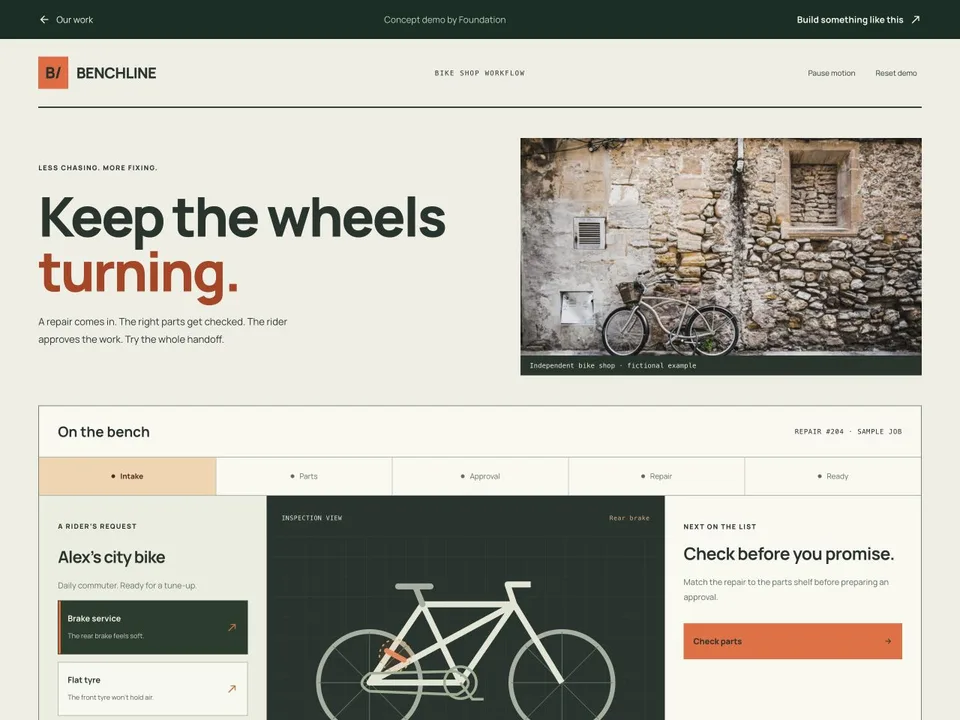
Bike repair & workshops
Benchline
Move a bicycle repair through inspection, parts, approval, and collection. Keep blocked jobs visible.
- Repair inspection
- Parts checks
- Approval flow
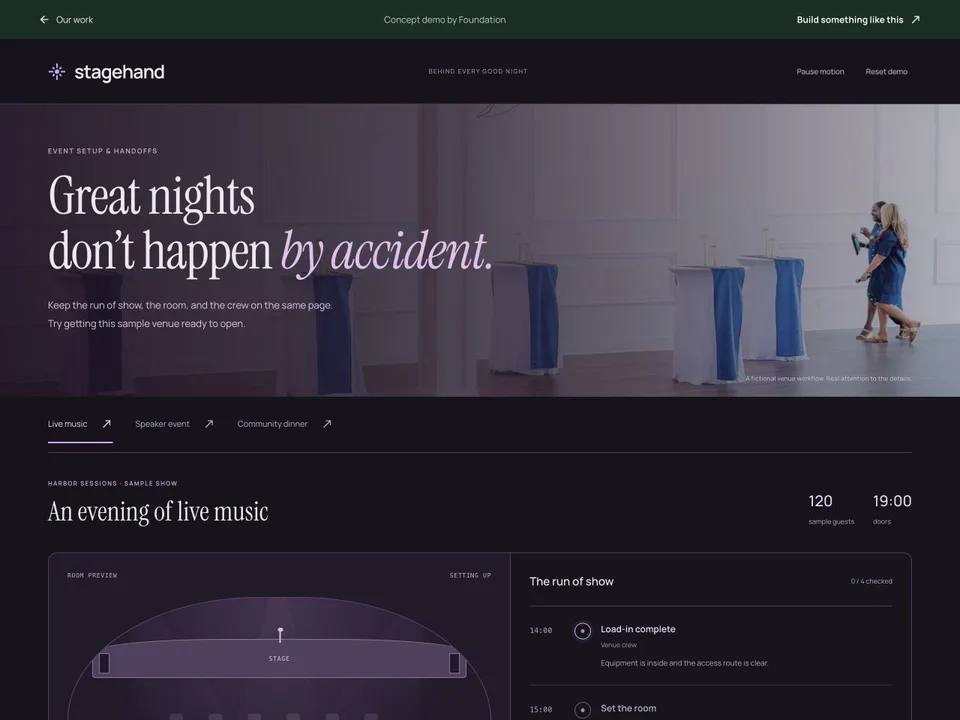
Events & venues
Stagehand
Keep an event moving when plans change. Follow the run of show and recover from a late vendor.
- Run of show
- Dependency checks
- Event readiness
In practice
Examples of what we could build
Illustrative examples of what we can build.
Requests with a clear approval path
The situation
Purchase requests arrive in different formats. Staff chase missing information, and nobody is sure which manager needs to approve the next step.
What we could build
Collect the required details in one form, send each request to the right manager, and show what is waiting. Keep a record of decisions and a way to return incomplete requests.
Reports without the weekly copy and paste
The situation
Someone downloads files from several tools, combines the numbers, and emails a report every week. A changed file or missing value can interrupt the whole task.
What we could build
Gather the available data on a schedule, check it, and prepare the report. Flag missing information for review rather than quietly sending a misleading result.
Equipment service follow-up
The situation
A medtech operations team tracks equipment service requests across email threads. Assignments and follow-up depend on someone remembering to check each message.
What we could build
Send equipment requests to the right staff, track their status, and remind the team when work needs attention. No patient records or clinical features.
What you get
What your workflow automation includes.
We agree on the details before work starts. Here’s what that work usually covers.
A map of the actual work
The starting event, required information, rules, approvals, and final result. We include unusual cases, such as missing data, a rejected request, or an unavailable service.
A working automated process
The forms, scheduled tasks, software connections, and notifications needed to do the job. We choose tools that fit what your team already uses.
A way to see and resolve problems
Clear notices when a step fails, safe ways to try again, and a place for someone to review problems. We decide who handles them so unfinished work does not disappear.
Instructions your team can follow
A walkthrough of the process, how to do the task manually, and common fixes. We document the accounts and services involved and discuss any ongoing support you need.
Your first version
Automate one process from start to finish.
One well-defined workflow is a better starting point than trying to automate an entire department. Include the exceptions and human decisions that make it usable.
Start here
- One clear starting event and finished result
- The required information and approval rules
- Failure alerts and a manual fallback
- The software connections that task needs
Consider later
- Other departments or request types
- More complex rules and reporting
- Additional tools and data sources
How we work
A clear plan. Working software.
Walk through one real task
Show us how your team handles the work today, including the awkward steps. We ask what starts it and what a finished result looks like.
Agree on rules and approvals
We separate routine steps from decisions that need a person. We decide who can change things, how to handle errors, and where work can pause safely.
Try it with real examples
We test the process with normal requests and difficult cases. Your team reviews the results before it starts handling live work.
Introduce it in a controlled way
We agree on the rollout and who will watch it. Staff get instructions for checking results and returning to a manual process if needed.
Does automation mean using AI?
No. Many useful automations use straightforward rules. AI may help with tasks such as sorting free-text requests, but it should only be used where the benefits and review process make sense.
Can staff approve work before it goes out?
Yes. We can include a review step before an email is sent, a record changes, or a request moves forward. We agree on who can approve, reject, or correct the work.
What happens when a connected tool fails?
Depending on the task, it can try again, pause for review, or ask someone to finish the work manually. We check that trying again will not repeat an action that already succeeded.
What should I bring to the first conversation?
A description of one repeated task, the tools involved, and a few examples of what goes wrong. Please remove passwords and sensitive personal information from any examples you share.
Tell us about your project
What do you need to make?
A rough idea is enough. We’ll work through the details with you.