Custom SaaS and web apps built for your users.
Start with one useful job.
SaaS is software customers use online, usually by subscription. We build those products and internal apps. We help you choose a useful first version, then build the accounts, screens, and business rules it needs. You get software people can use and your team can manage.
Tell us what you need Try a working exampleThe work, in one place.
Shared work and internal planning.
To do2
Website pages
Release checklist
In progress1
Checkout
Done1
Content review
A sample workspace with separate team and client views.
Working examples
Try a product with a useful job.
Try a mobile app, review artwork, plan a team’s week, or update inventory. Each example is built around a different need.
Fictional projects. Try them without an account.
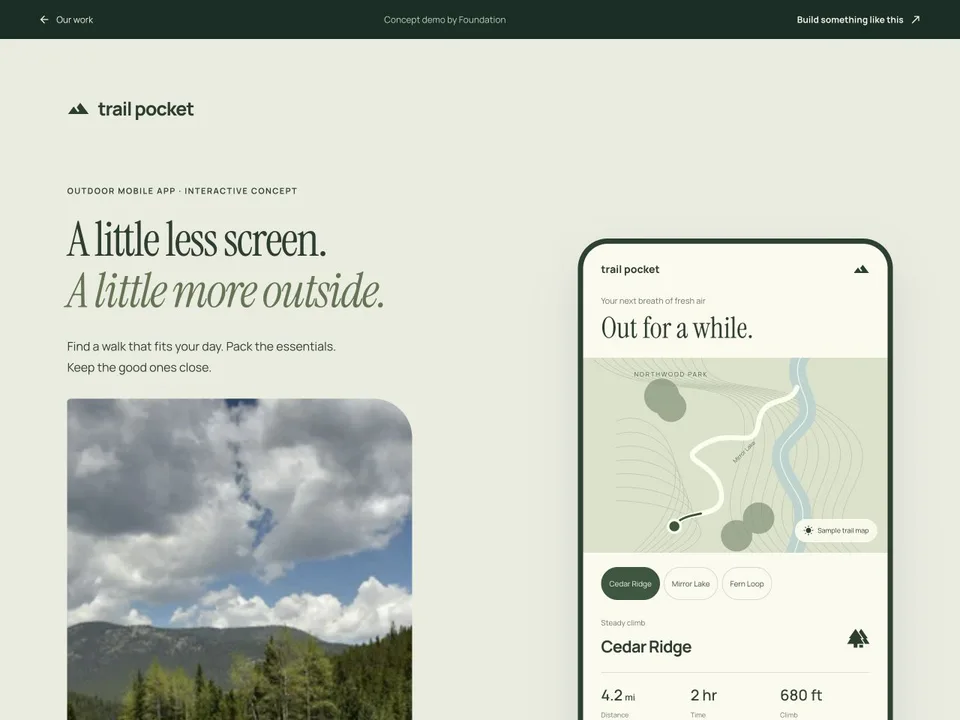
Outdoor & recreation
Trail Pocket
Plan a day outside. Pick a trail, pack the essentials, and start a sample trip.
- Trail choices
- Packing checklist
- Trip progress
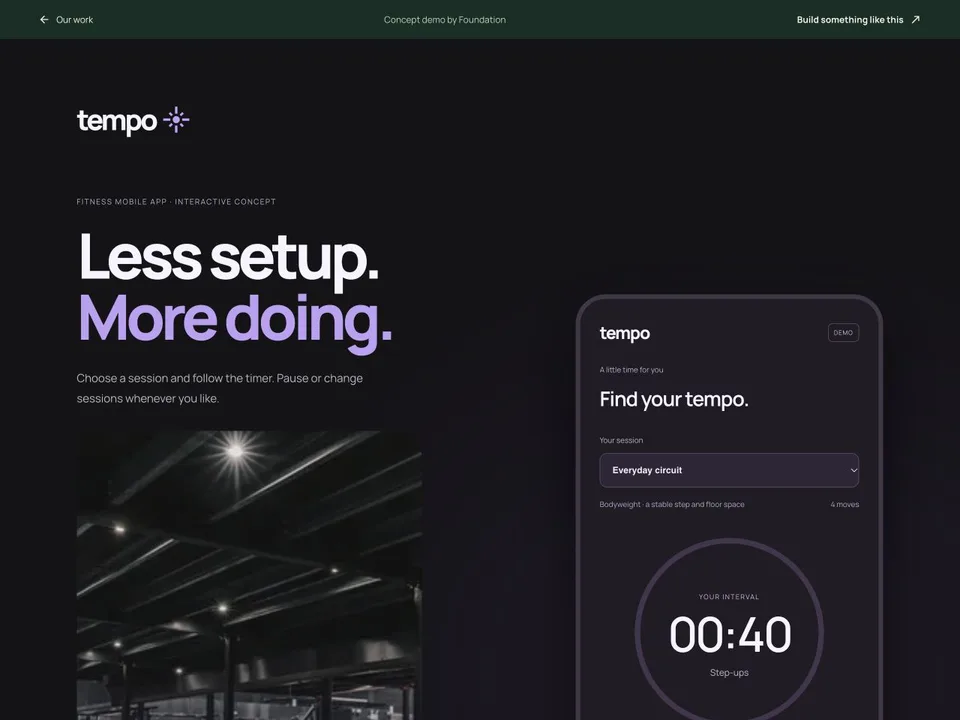
Fitness & training apps
Tempo
Choose a workout and try a working interval timer with clear rest and exercise steps.
- Workout choices
- Live interval timer
- Exercise progress
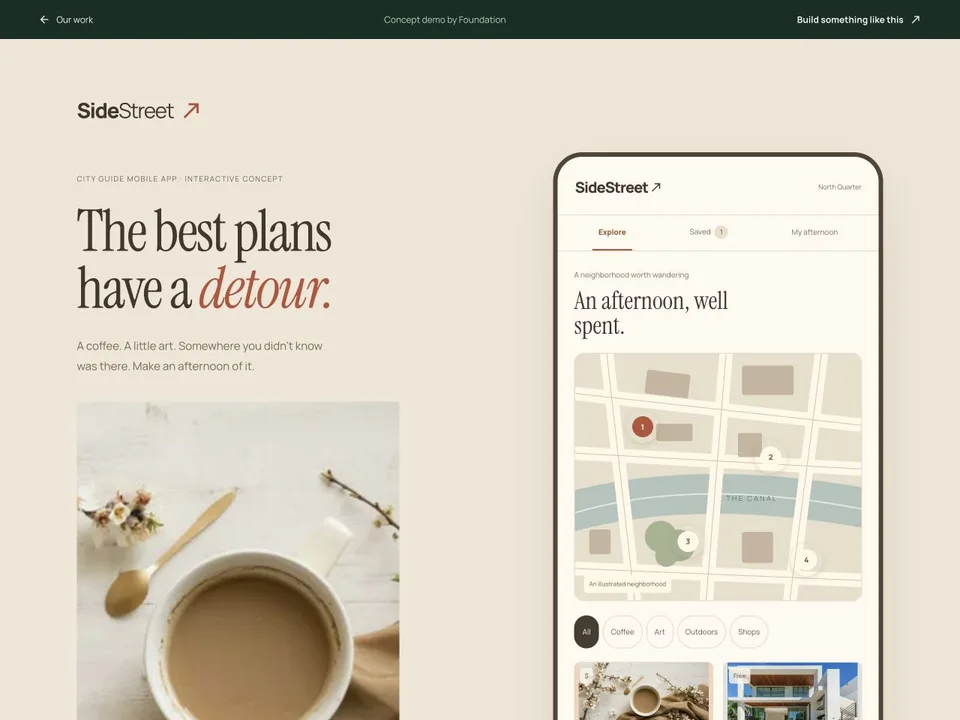
Travel & local discovery
Side Street
Find a place to spend an afternoon. Browse local picks and build a sample day out.
- Place filters
- Place details
- Saved itinerary
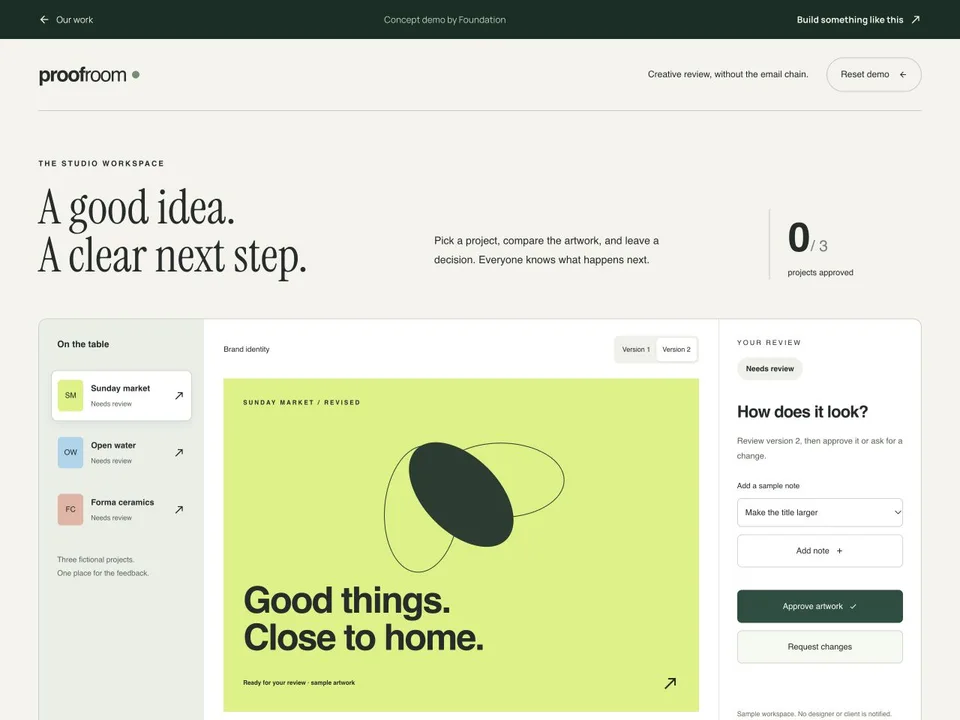
Creative studios
Proofroom
Give artwork a clear next step. Compare drafts, leave a sample note, and approve a project.
- Artwork versions
- Review notes
- Client approvals
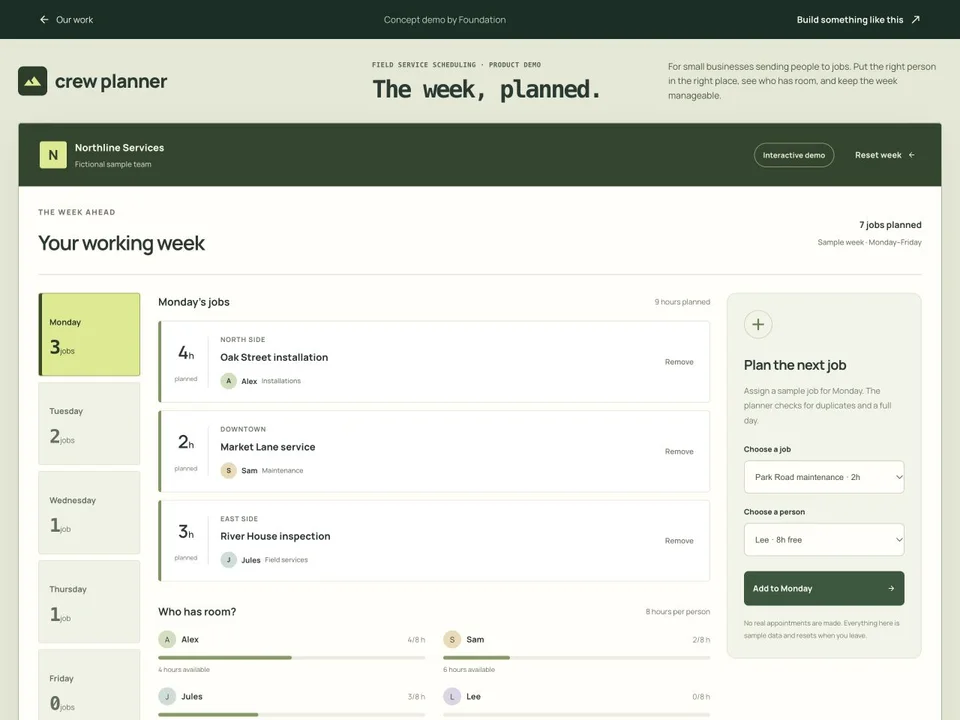
Field services & trades
Crew Planner
Plan the day without the spreadsheet shuffle. Assign sample jobs and see who has room for more.
- Daily schedule
- Crew assignments
- Capacity view
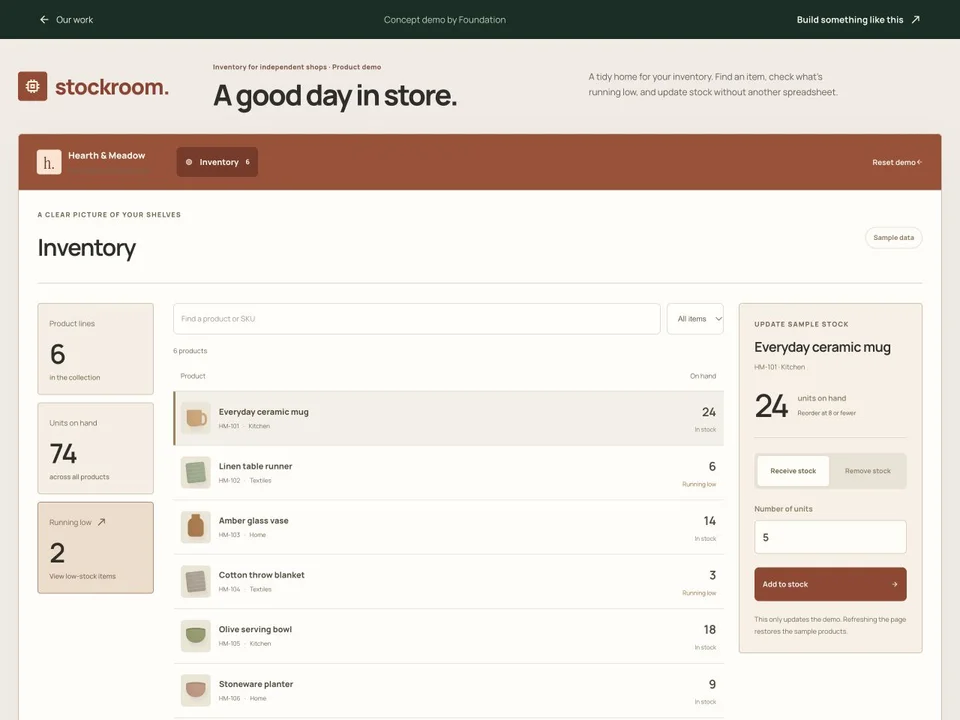
Retail & small warehouses
Stockroom
Know what is on the shelf and what is running low. Try stock changes and follow the activity.
- Inventory search
- Low-stock filters
- Stock history
In practice
Examples of what we could build
Illustrative examples of what we can build.
A workspace for a specific kind of team
The situation
You know an industry that manages important work through scattered spreadsheets. Existing tools are too broad or do not match how that team works.
What we could build
Build a focused workspace for its main task, with accounts, shared records, and clear permissions. Start with the people and workflow needed to complete a real piece of work.
A subscription product with one useful service
The situation
Your product idea helps customers prepare a recurring report or manage a repeated business task. You need to learn whether people will use it before building every planned feature.
What we could build
Create a first release with sign-in, the core task, and the account controls needed to support customers. Plan billing separately if paid subscriptions belong in that release.
An internal tool that fits your operation
The situation
Staff use several spreadsheets to assign jobs, track status, and record decisions. People need different levels of access, and the same information appears in several places.
What we could build
Build one app for the job, with staff accounts, shared records, and a useful management view. Plan how to bring over any existing information the team still needs.
What you get
What your app development includes.
We agree on the details before work starts. Here’s what that work usually covers.
A clear first-release plan
Who the product serves, the main problem it solves, and the features needed to use it. We separate what is needed at launch from ideas that can wait for customer feedback.
The app and its business rules
The customer and staff screens, stored information, and rules your product needs. We decide who can see or change each record before building those features.
The tools needed to operate it
Staff controls, clear error notices, and tools for helping customers with their accounts. We also plan how to recover lost work and manage stored information so your team can look after the app.
A tested release and handover
Tests for the main features and account access, help launching the app, and instructions for managing it. Hosting and other service costs are listed separately. Further development is planned as additional work.
Your first version
One useful product, with room to grow.
The first version should let a defined group of users complete the main task. It also needs enough staff control to support those users when something goes wrong.
Start here
- One main customer group and task
- Accounts with clear rules about who can see and change information
- The necessary customer and staff screens
- Launch checks and operating instructions
Consider later
- Additional customer groups and workflows
- Advanced reports and custom account plans
- More integrations or a separate mobile app
How we work
A clear plan. Working software.
Choose the first user and task
We ask who needs the product, what they do today, and what would make the first version useful. That gives us a clear starting point.
Map the product before building
We outline the screens, stored information, account access, and staff needs. You review how the app will work and what is included.
Build in reviewable pieces
We work through the main journey and review progress with you. Real examples help reveal business rules that a feature list might miss.
Test, release, and learn
We test the features and prepare the handover. After launch, feedback from customers helps us choose what to improve or build next.
Can I start with an idea rather than a specification?
Yes. Tell us who it is for and what you want it to help them do. We can work through the missing details with you and recommend a first version before estimating the build.
Does every SaaS app need paid subscriptions?
No. Some products begin with a trial or a small group of users, and internal tools may never take payments. If you need billing, we also plan how refunds and unpaid accounts should work.
Can the product grow after the first release?
Yes. We plan around your expected use and review the design and hosting as that changes. New features and higher traffic can need additional work, which we discuss before taking it on.
How are ownership and support handled?
We put ownership, third-party licenses, account access, and handover terms in the written agreement before work begins. Any support arrangement also needs clear coverage and response expectations.
Tell us about your project
What do you need to make?
A rough idea is enough. We’ll work through the details with you.